
Alumni

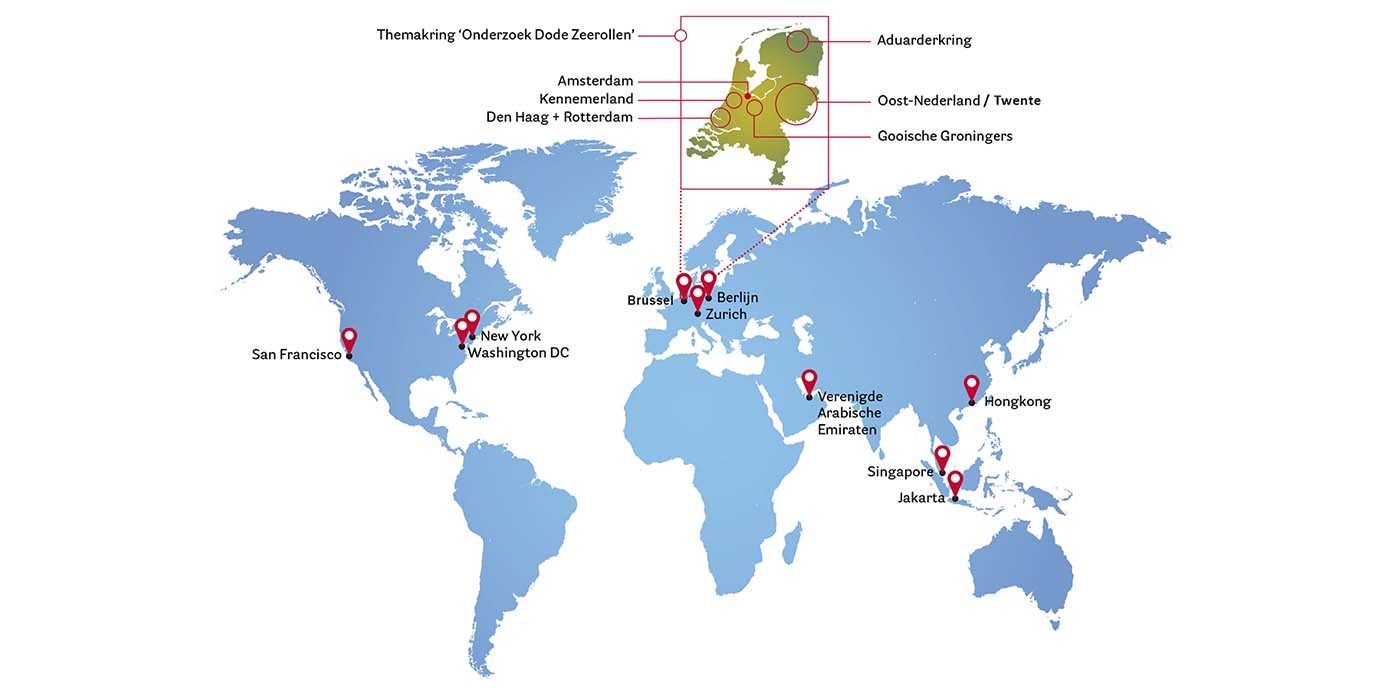
Alumni van de Rijksuniversiteit Groningen: we zijn overal te vinden, in het binnen- en buitenland, in verschillende functies en organisaties. Maar hoe verschillend ook, we hebben allemaal iets gemeen: de Rijksuniversiteit Groningen als Alma Mater.
De afdeling Alumnirelaties en Fondswerving ondersteunt en organiseert diverse activiteiten en diensten voor alumni, bijvoorbeeld op het gebied van nascholing en netwerken. Als alumnus kunt u de universiteit ook helpen, bijvoorbeeld door één van onze bijzondere onderzoeks- en onderwijsprojecten financieel te steunen.